Play coinche with friends online
Updated
Your coinche partners live far away? On Coincheur you create a private room, send a link, and play together online. No account to create, no app to install, and if you aren't four, the AI takes the empty seats.
▶︎ Play free nowNo signup, no download · against the AI or with friends
A private room, a link to share
From the home screen, open Play with friends, pick a nickname and create a room. Coincheur gives you a 6-character code and an invitation link like coincheur.fr/?salle=CODE. Share it in a message or copy it in one click. Your friends open the link and land straight in your room; they can also type the code in “Join with a code”.
No sign-up is needed: a nickname is enough. The room uses your current rules (target score, no trump, all trump…), and you, the host, start the game.
No need to be four
Coinche is played by four, two against two. If there are only two or three of you, no problem: the AI fills the empty seats, at the level you choose (easy or medium). Your friend is automatically seated across from you, as your partner: with two of you, you form a team against two AIs. Before the start, anyone can click an empty seat to move if you'd rather play against each other.
It's the right setup to play with a friend who is just starting: you're on the same team and the opponents are predictable.
During the game
You play in real time, each on your own screen, computer or phone. To keep the table atmosphere, quick reactions (thumbs up, “well played”, “oops”…) show up for the other players.
A network drop doesn't ruin the game: Coincheur tries to reconnect you automatically, and you can return to your room from the home screen. If a player stays away during their turn, an AI plays for them so the deal goes on.
No friends around?
You can join a public table: Coincheur finds you a table with other players in a few seconds, and the AI fills in if nobody shows up. These games count towards an Elo leaderboard, which rises when you win, all the more when your opponents are strong. The AIs appear there as fixed-strength benchmarks, outside the ranking.
And to train on your own before taking on your friends, you still have games against the computer, the coach and the drills. For the other ways to play, see also play coinche online for free and the card game for 4 friends.
Create your room and invite your friends, the game starts within a minute.
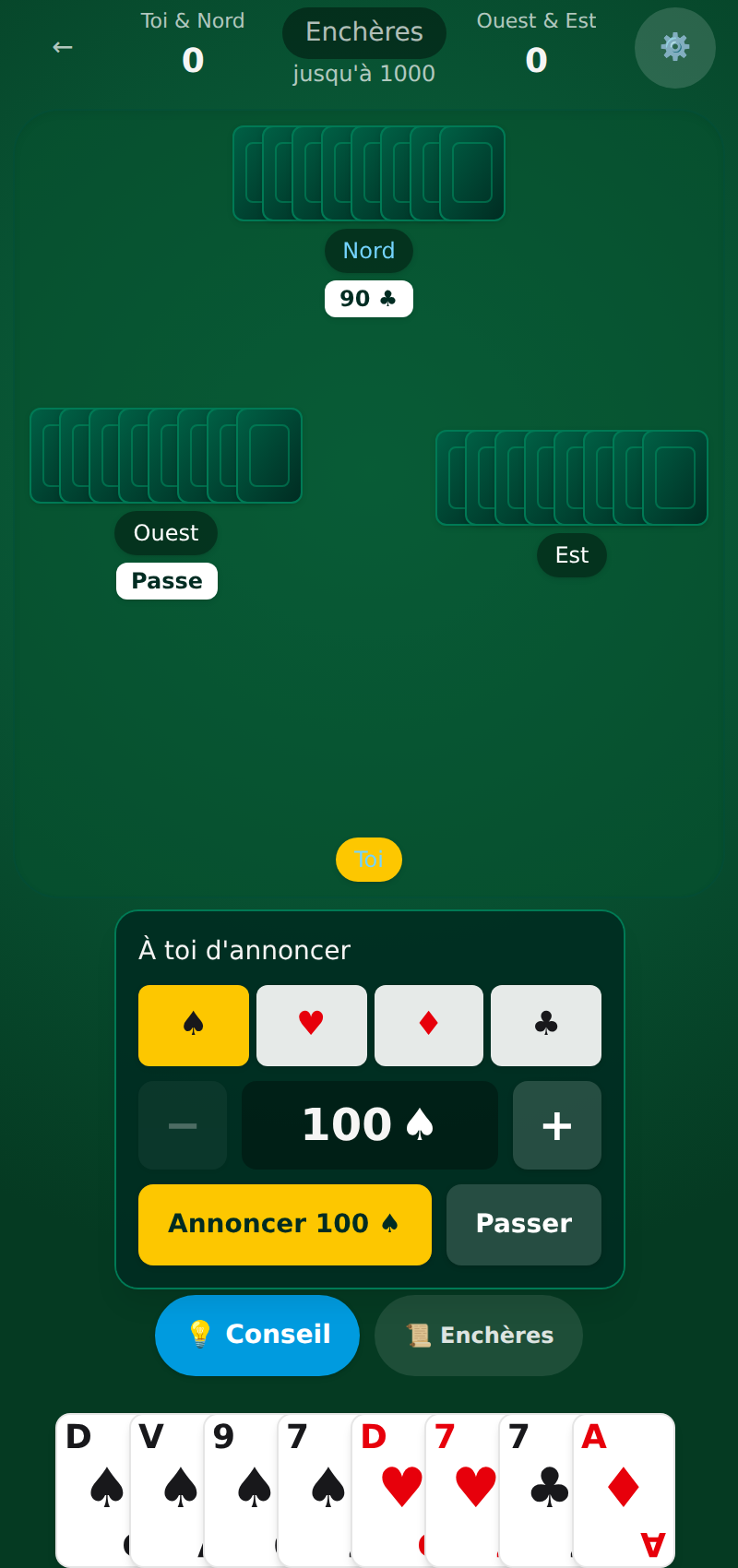 Want to practise? Play coinche online for free: tunable AIs and a coach are waiting for you on Coincheur.
See also
FAQ
Do you need an account to play coinche with friends?
No. You pick a nickname, create a room and share the link. Your friends don't need an account either.
How many players can join a room?
Up to four human players, two against two. Seats left empty are taken by the AI when the game starts.
Can two people play coinche online together?
Yes. With two of you, your friend is seated across from you as your partner and you play together against two AIs. You can also swap seats before the start to be opponents.
Is playing with friends on Coincheur free?
Yes, private rooms are free, like the rest of the game, and are played right in the browser.
How do I invite my friends?
Create a room from “Play with friends”, then share the invitation link (coincheur.fr/?salle=CODE) or give out the 6-character code. Your friends open it or type it in “Join with a code”.