Count coinche points with an app
Updated
No more pen and paper: Coincheur's free counter scores your games played with real cards, handles belote, failed bids, coinches and capot, and keeps the game total.
▶︎ Play free nowNo signup, no download · against the AI or with friends
Why a digital counter
Counting by hand works, but that's where mistakes and arguments come from. A counter:
- adds the tricks automatically and guarantees the 162 total;
- applies belote (20) and the last-trick bonus without forgetting;
- handles the coinche (x2) and surcoinche (x4) multipliers;
- keeps a history of deals.
Coincheur's counter, for games with real cards
On the Coincheur home screen, the Counter tile lets you score a game played with real cards. For each deal you enter:
- the team that took and the contract (numbered from 80 to 160, capot or générale);
- the points made by the declarer (0 to 162, last-trick bonus included);
- any coinche (×2 or ×4) and the belote (20);
- for a capot or a générale, whether it was made or failed.
The counter applies the scale (made if the declarer reaches the contract and outscores the defence, otherwise 162 + contract for the defence), adds up the deals and names the winning team as soon as the target you set (1000, 1500 or other) is reached. Mistyped a deal? Undo the last one in one tap.
And when you play on screen
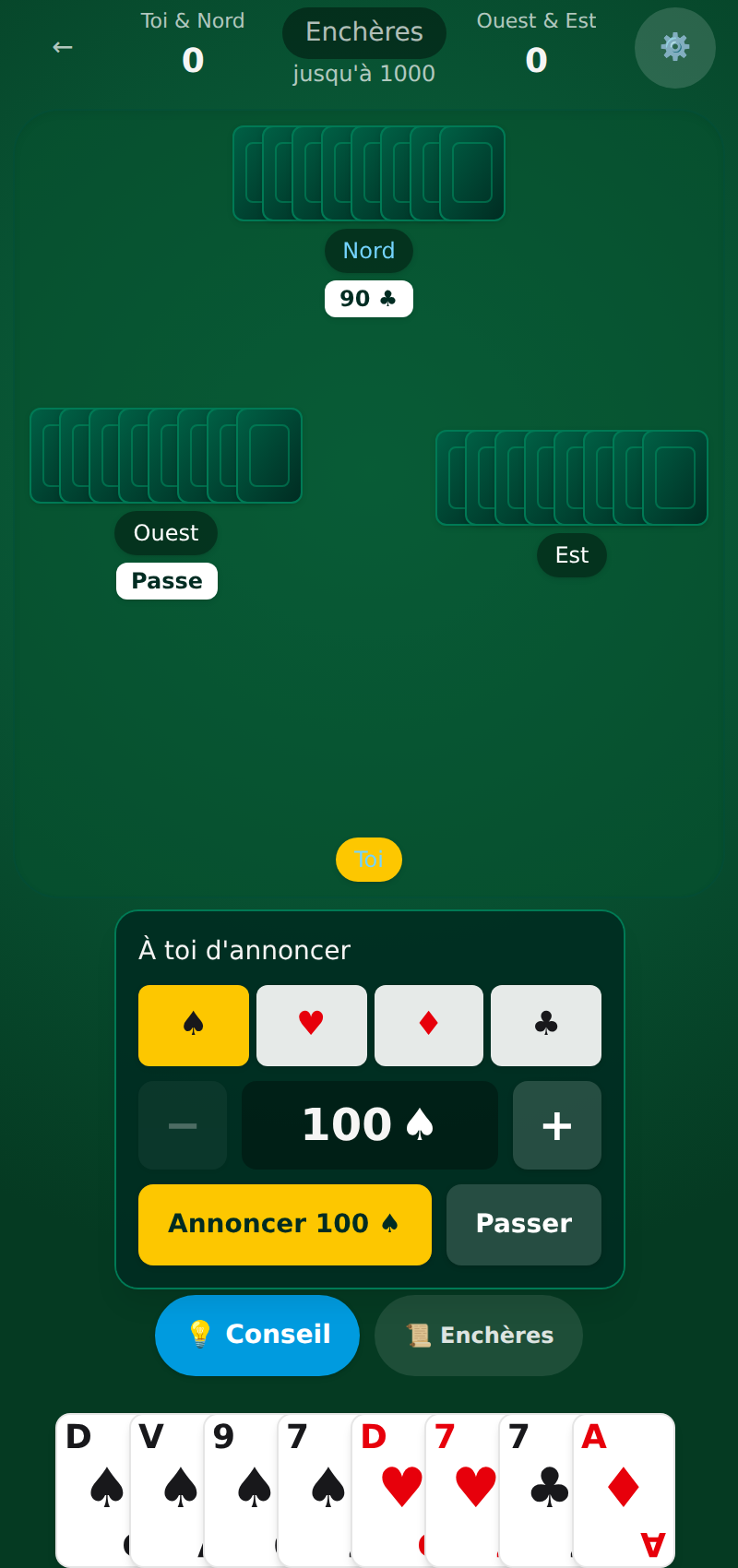
Coincheur is also a full game: when you play against the AI or with friends online, there is nothing to enter. Scoring is done trick by trick, belote and the last-trick bonus are counted, and the game score updates on its own. You can review the last trick and the deal history to see where the game tipped.
Everything runs in the browser with nothing to install, on desktop and mobile. To review the scale by hand, keep how to count points and the scoring table handy. Open Coincheur to try the counter.
 Want to practise? Play coinche online for free: tunable AIs and a coach are waiting for you on Coincheur.
See also
FAQ
Is there an app to count coinche points?
Yes. Coincheur's counter scores games played with real cards (contract, failed bid, belote, coinche, capot), and the game counts everything itself when you play on screen. Free, in the browser, no install.
Do you have to install anything?
No. Coincheur opens in the browser. You can also add it to your home screen to open it like an app.