Play coinche with no connection
No network? No problem. Once Coincheur is installed on your device, you can play coinche fully offline.
Why offline works
Coincheur is a PWA (progressive web app). In practice, the game and the AIs run on your device, not on a remote server. Once the page is loaded and installed, everything needed is cached: you no longer need a connection to play a full game.
How to install it for offline use
- On iPhone: open Coincheur in Safari, tap the Share button, then “Add to Home Screen.”
- On Android: open the browser menu and choose “Install app” or “Add to Home screen.”
- On desktop: an install icon appears in the Chrome or Edge address bar.
No store is needed: it all goes through the browser.
What works without a connection
A full game against the AI, point scoring, drills already loaded: it all works. Only features that need a server (cross-device sync, for example) will wait for the network to return. Install Coincheur before your next trip without wifi.
That's the whole point of a game that computes locally rather than relying on a server: no latency, no cut-off in the middle of a deal, and your progress stays on your device. The subway, a plane in airplane mode, a dead spot in the countryside: all moments where a classic online app stops, and where Coincheur keeps going.
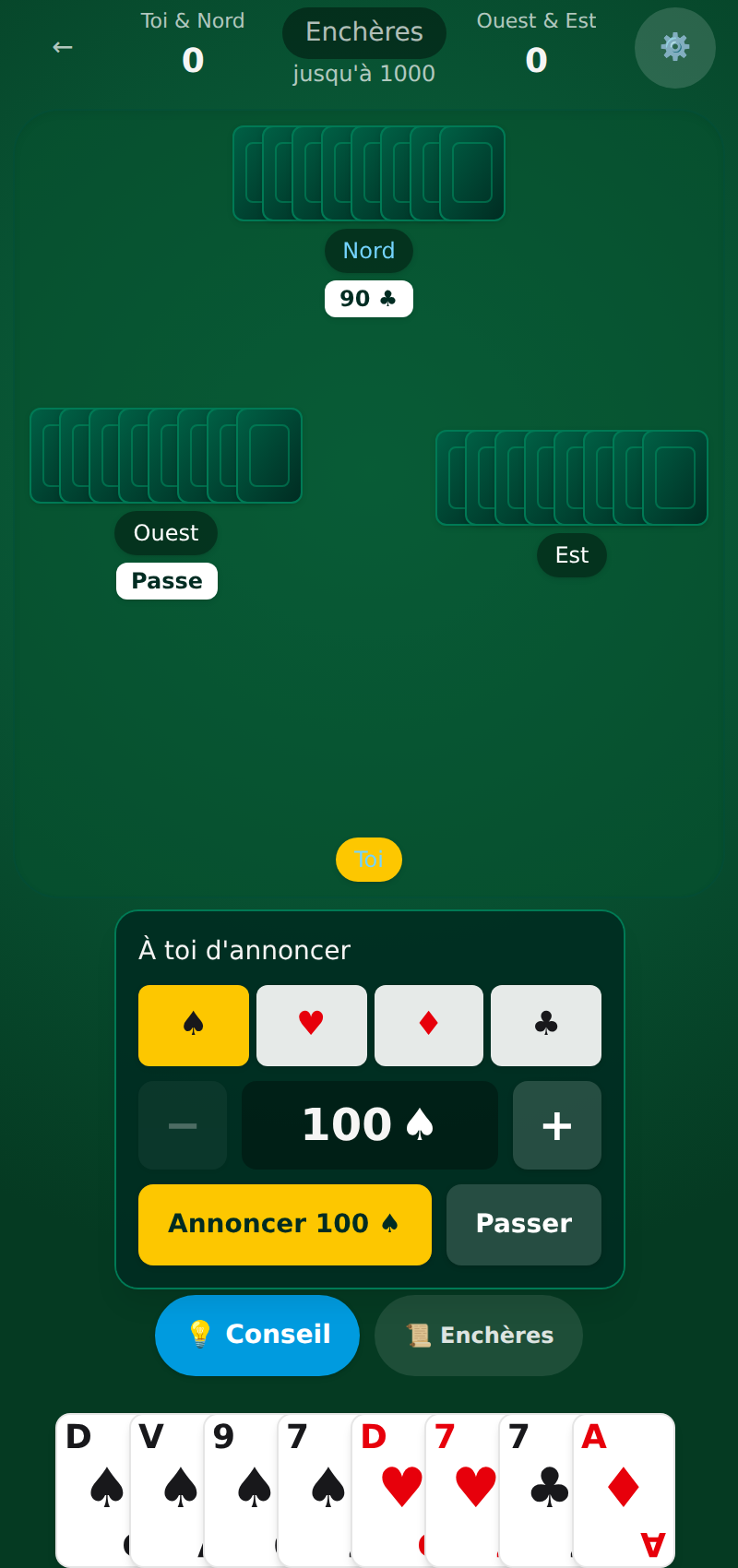 Want to practise? Play coinche for free against tunable AIs on Coincheur.
See also
FAQ
Can you play coinche without an internet connection?
Yes. Coincheur is a PWA: once installed on your home screen, the game and the AIs run on your device and work offline.
How do you install Coincheur for offline play?
Open the site in your browser, then use “Add to Home Screen” (iPhone via Safari) or “Install app” (Android, desktop). No store required.